How to delete files older than 60 days on Mac
Anything untouched for 60 days moves straight to the Trash, undoable
Beginner · About 1 minute
In this guide
What this does
Some folders are genuinely temporary, exports, scratch work, anything you only need for a short while. Unlike the “sweep old downloads” rule, which archives things into an Old subfolder, this one is for when there’s nothing in the folder worth keeping around at all. It moves anything untouched for 60 days straight to the Trash.
What you’ll build
A rule that matches anything added more than 60 days ago, then moves it to the Trash.
Open the rule editor
This walkthrough happens inside FilesAutomator itself, so install it from the Mac App Store first if you have not already, then open it. In its toolbar, choose Add, then New Automation Rule.
Name the rule and choose a folder
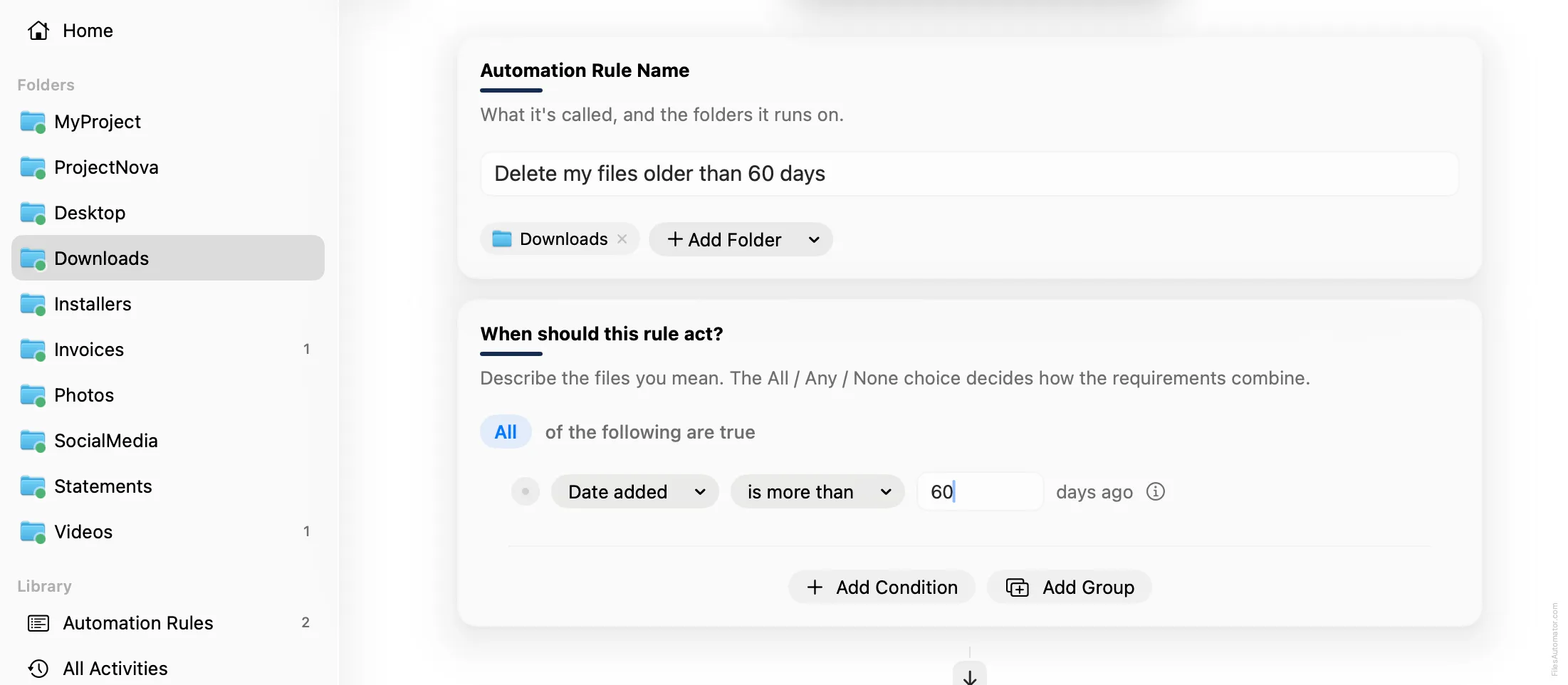
Name it something like “Delete my files older than 60 days” and use Add Folder to choose the folder you want cleared out over time.
Build the condition
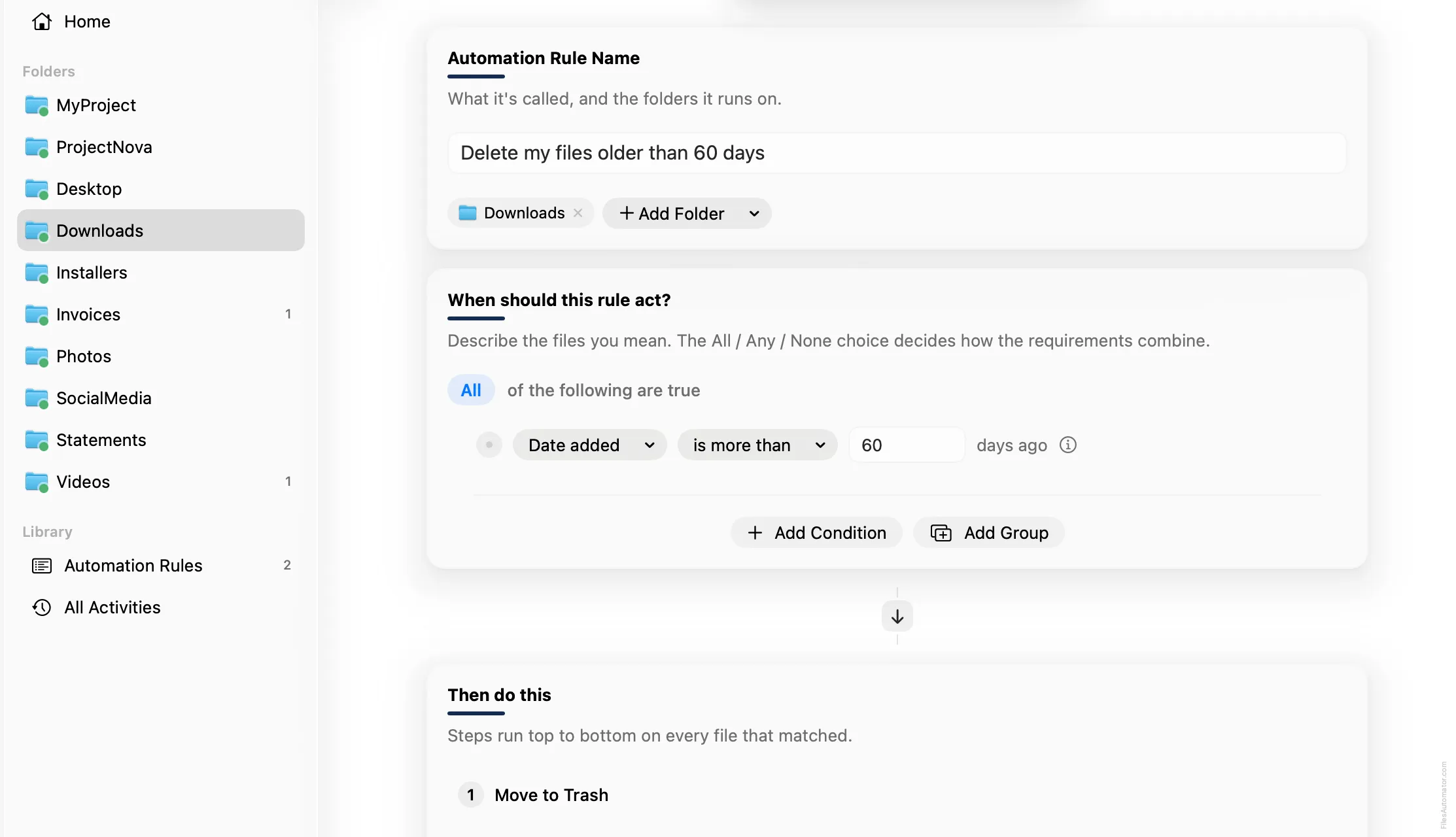
Add a single condition: Date added is more than 60 days ago.
Add the action steps
Step 1: Move to Trash
Choose Add Step, then Move to Trash. This step has no extra fields to fill in.
Turn it on
Select Create Automation Rule, then switch the rule on. Anything left sitting here for two months now clears itself out on its own, and the action is undoable from Activity if you ever need it back.
A faster way
The template gallery inside FilesAutomator already has this rule ready to install, named Delete files older than 60 days.
Related rules
Get FilesAutomator
Everything in this guide happens inside FilesAutomator itself. Download it free from the Mac App Store to follow along, or to install this exact rule from the template gallery in one click instead of building it by hand.
Download on the App Store