Your Mac,
quietly organized.
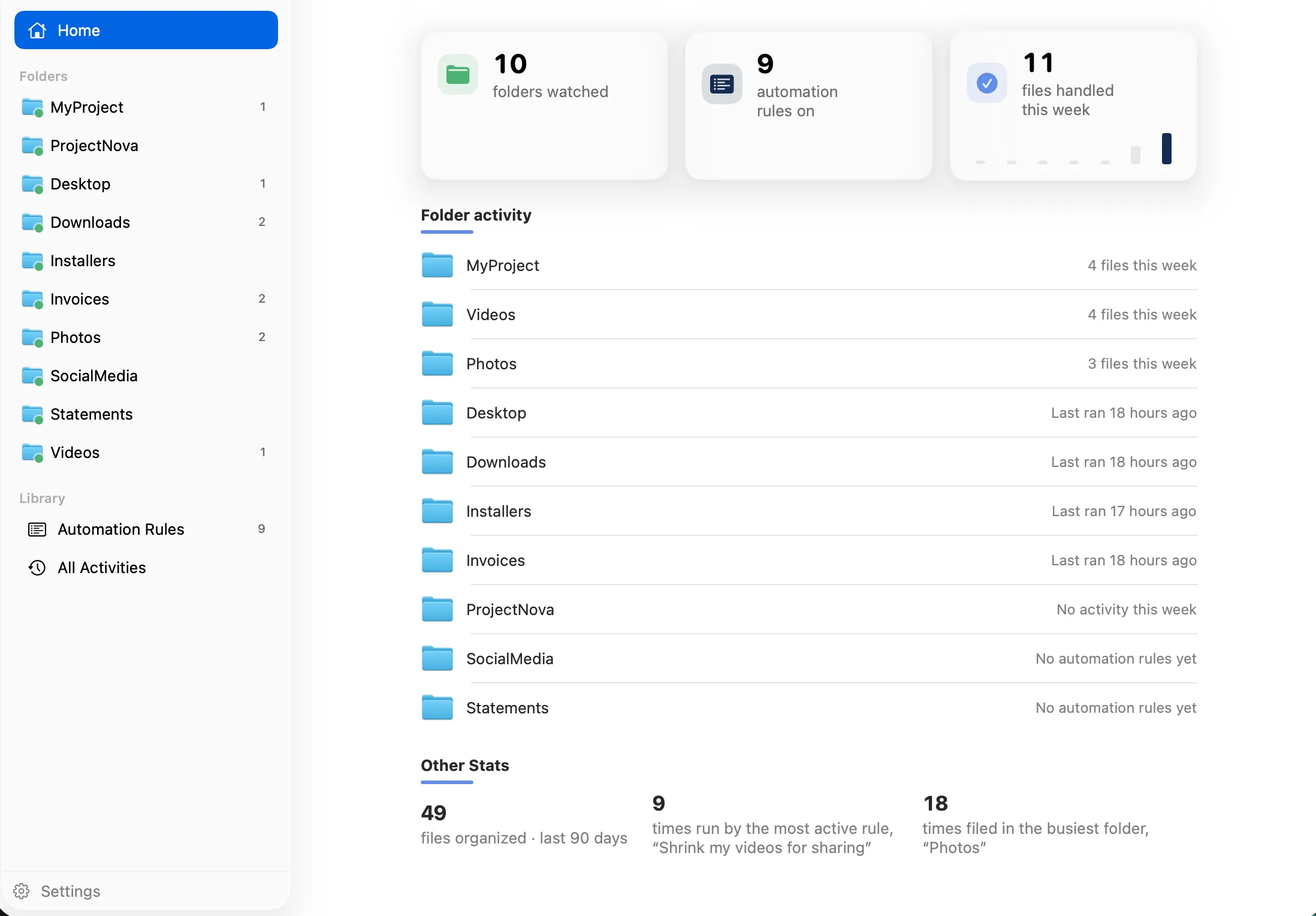
FilesAutomator watches the folders you choose and files, renames, and converts what lands in them, automatically. Every action is previewed, logged, and undoable, so nothing happens behind your back.
Features
Everything runs quietly in the background
Set up a rule once, and FilesAutomator keeps your folders tidy without you thinking about it again.
Watch Any Folder
Point a rule at Downloads, Desktop, or any folder you choose. The moment a matching file lands there, FilesAutomator picks it up automatically, no manual runs needed.
Start From a Template
A whole gallery of rules to start from: resize photos for Instagram, shrink videos for sharing, stamp and crop PDFs, sort screenshots by date. Pick one and adjust it to fit.
Rename, Sort, and Convert
Chain steps together: rename with dates or a pattern you capture from the filename, sort into dated subfolders, convert images, video, and PDFs, all in one rule.
Every Action Undoable
A full activity log shows exactly what ran and why, with a single click to undo anything you did not mean to happen. Nothing FilesAutomator does is a surprise or a dead end.
Keeps Your Metadata
Photo dates, camera details, and Finder tags survive conversions by default. Your files stay organized by the information that already lived inside them.
Pay Once, Yours Forever
Free keeps 1 automation rule running for as long as you like. Upgrade once for unlimited rules, and Family Sharing covers up to five people for no extra cost.